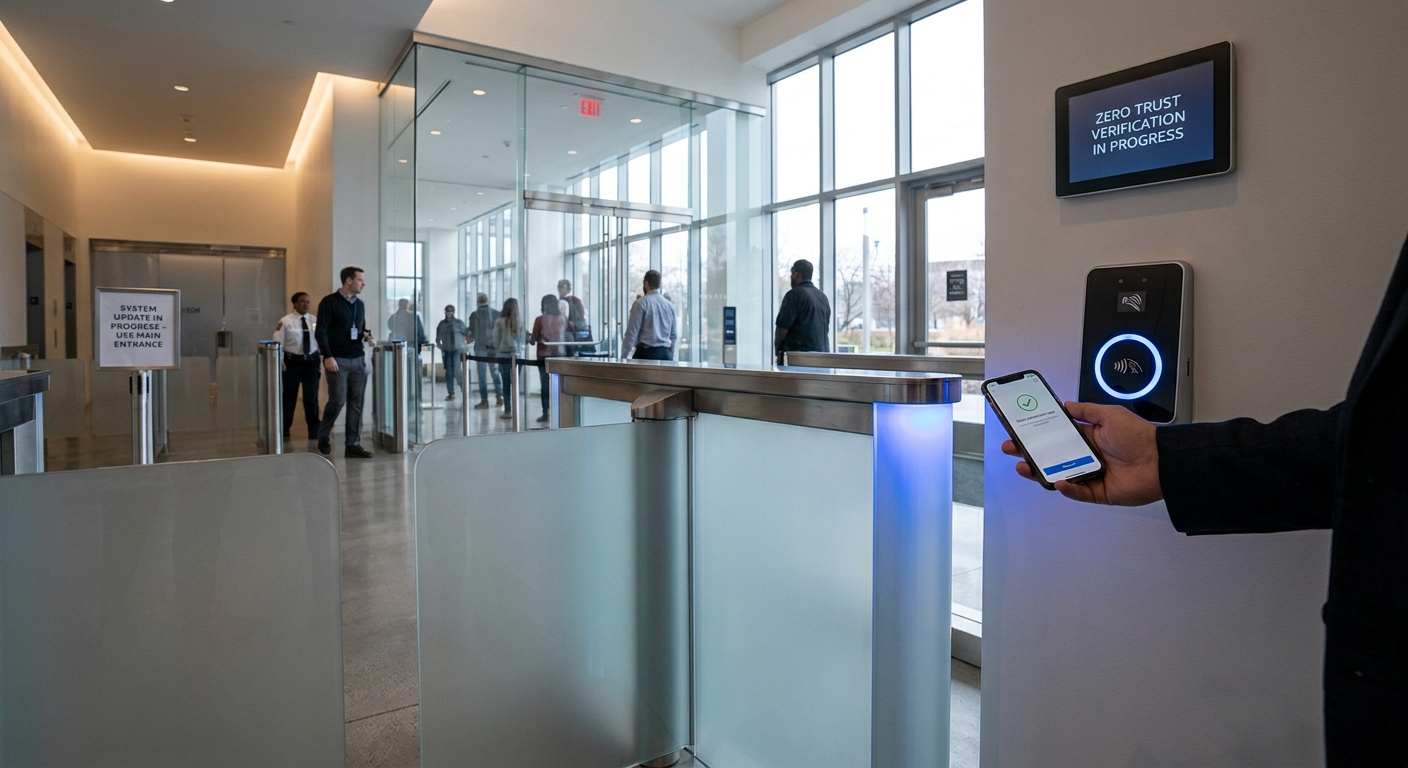
Cybersecurity Alert: 94% of Leaked Passwords Are Not Unique

Cybersecurity Basics: Passwords and Best Practices
Password Habits and Risks
A recent survey by CNET reveals that almost half of U.S. adults (49%) exhibit risky password habits, with 24% using the same password across multiple accounts. This practice significantly increases vulnerability to credential stuffing attacks, as noted by CNET software senior writer Attila Tomaschek, who states, "Reusing the same password across multiple accounts puts users at risk of getting their online accounts compromised through a credential stuffing attack."
For more information on the survey findings and expert advice on managing passwords, visit CNET.
Common Password Issues
A study by Cybernews highlights that a staggering 94% of leaked passwords are not unique. Commonly used passwords like "123456," "password," and "admin" remain prevalent, contributing to security risks. Cybernews identified "1234" in almost 4% of passwords, with "123456" appearing in 338 million instances.

For further details on weak password prevalence, read the full report on ZDNET.
Password Reuse and Account Takeover
Data from Cloudflare indicates that about 41% of successful logins across their protected platforms involve compromised passwords. This data underscores the pervasive issue of password reuse, which leaves users vulnerable to automated bot attacks and account takeovers.
The analysis indicates that users often reuse passwords across an average of four accounts, amplifying risk post-breach. For more insights on this trend, explore the full analysis on Cloudflare.
Best Practices for Secure Passwords
To protect against these threats, experts recommend several best practices:
- Use a password manager: Tools like Bitwarden can automatically create, store, and apply strong passwords for all accounts.
- Create strong, complex passwords: Aim for at least 12 characters with a mix of uppercase letters, lowercase letters, numbers, and special characters.
- Enable multi-factor authentication (MFA): This adds a second layer of security, making unauthorized access more difficult.
- Review password policies: Organizations should enforce strict password requirements to enhance security.
For more guidance on password management, refer to CNET's password management tips.
The Role of Two-Factor Authentication
Implementing two-factor authentication is a critical security measure. Lisa Plaggemier from the National Cybersecurity Alliance emphasizes, "That means that if you are using a password that's easy to crack, or a password that is already for sale on the dark web, a bad guy can't get into your account without that second factor."
For additional information and resources on two-factor authentication, check out Stay Safe Online.
Emerging Alternatives: Passkeys
Some companies are moving towards eliminating passwords altogether, replacing them with passkeys. Microsoft is actively transitioning to this model, providing users with a more secure method of authentication that links passkeys to devices rather than storing them online.
For more details on Microsoft's shift to passkeys, visit Microsoft.
Implementing these practices can significantly enhance both personal and organizational cybersecurity.